

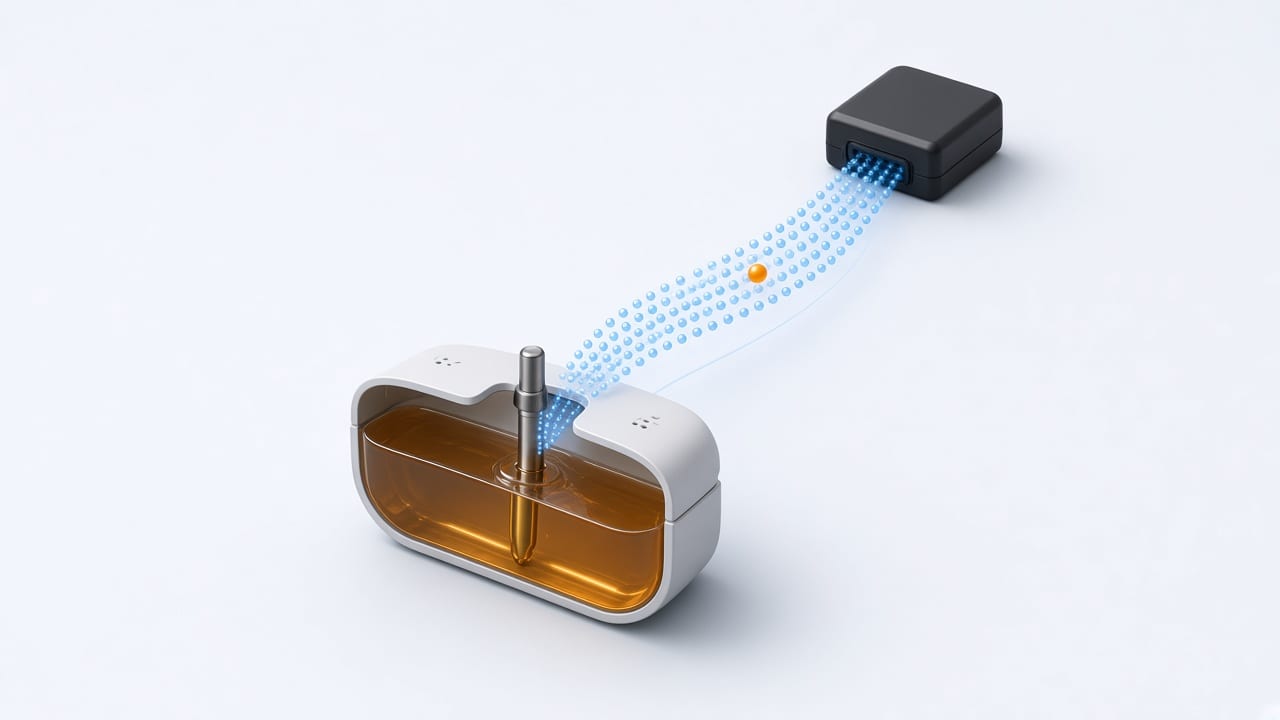
The options for measuring fuel with a GPS tracker, how to calibrate a tank, and which alerts to set up to catch suspicious fills and drains.
// Why measure fuel
Fuel is often one of a fleet's biggest costs. Measuring it lets you detect theft, compare consumption between vehicles and drivers, and check that the fuel you paid for actually went into the tank.
// Ways to get the data
There are three main paths, and each GPS device supports one or more of them:
- ▸ A level probe in the tank: capacitive or float type, connected to an analog input, RS-232/RS-485 or Bluetooth.
- ▸ CAN bus or OBD: the level or consumption the vehicle computer already calculates, with no drilling into the tank.
- ▸ Calculated consumption: estimates from engine hours or distance, useful only as a reference.
// Tank calibration
A probe returns an electrical value or a percentage, not liters. To convert it you build a calibration table: fill the tank in known steps and record the reading at each one. With that table and the tank capacity, the platform converts the reading into liters. In irregular tanks, more calibration points mean more accuracy.
// Fills, drains and alerts
With the level in liters, the platform detects sudden rises (fills) and sudden drops while the vehicle is stopped (possible drains or theft). It is worth setting alerts for drains above a threshold and reviewing fuel reports per vehicle every week.
// In TrackeraX
The fuel level sensor supports table calibration and a full-tank value, and produces fill, drain and consumption reports. Check the sensors page to see which protocols deliver fuel data before choosing a device.